
The mapping engine of a utility's work management system
An electricity and gas distribution company chose MaptIQ to build the geospatial modules of its work management system: a live map of the work, routing and optimisation for the workforce, and a geocoder, at thousands of work items a day.
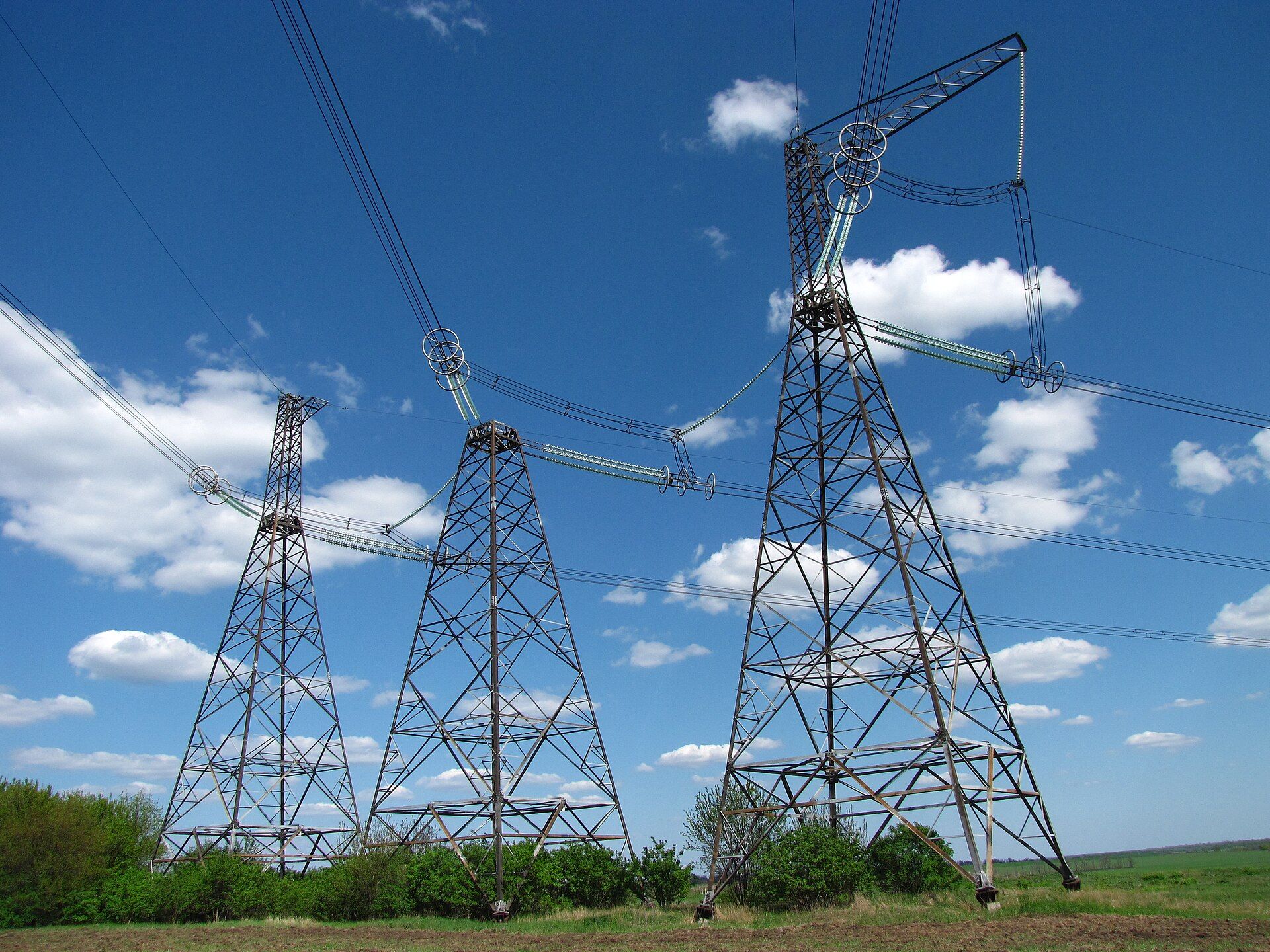
A work management system is a geospatial problem
A work management system (WMS) plans, assigns and tracks field work. For a distribution utility nearly every job is tied to a place on a network: a pole, a cable, a gas main, a valve, a meter, an address.
That makes the map the main way dispatchers and planners understand the workload, and it makes geospatial technology a core engine of the system, not a decoration. Six challenges decide whether that engine works.
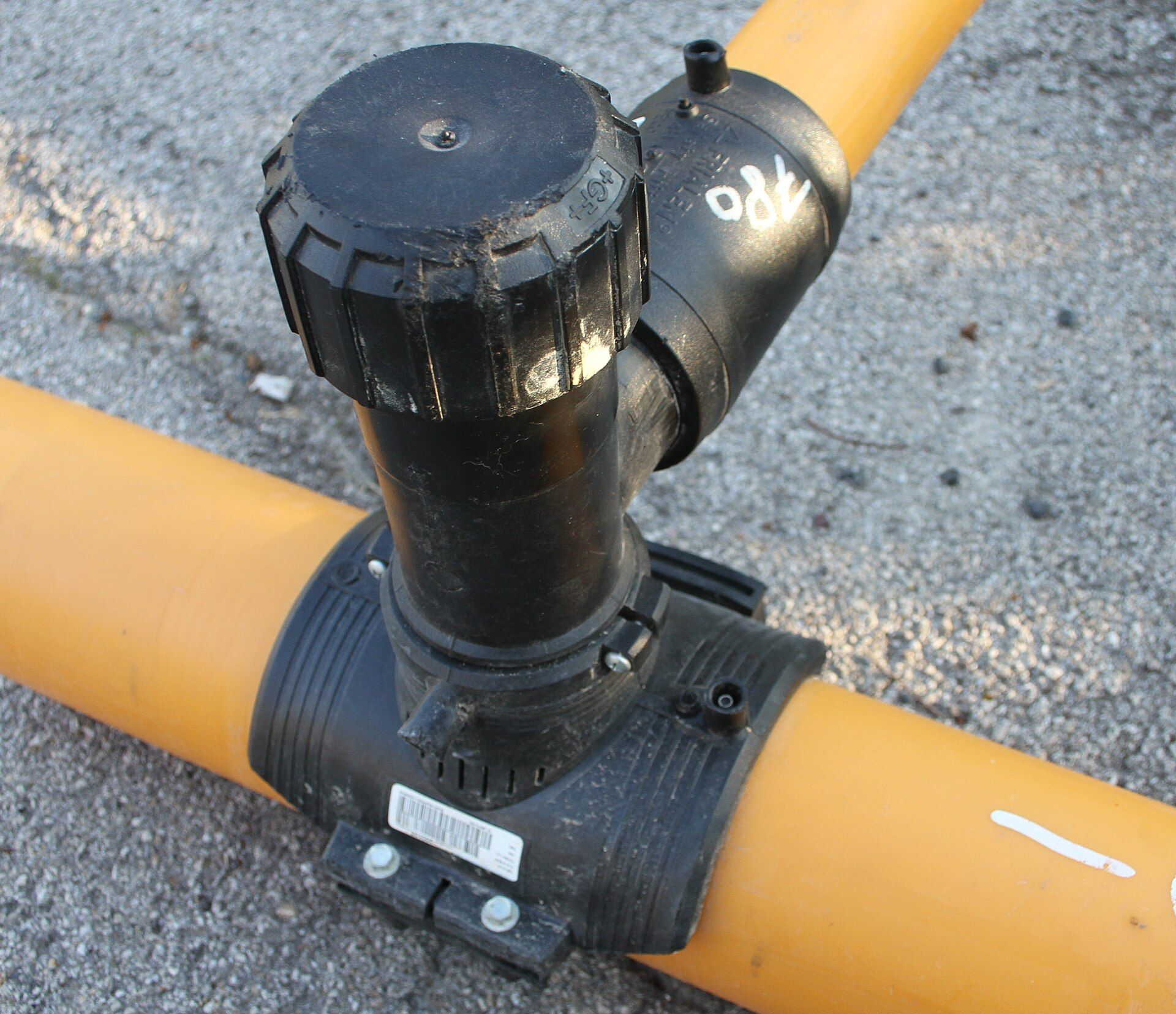
Six challenges of a work management system
- 1
Thousands of items, changing all day
Work items are created, assigned, started and closed continuously. A map that reloads everything on every change is unusable. Updates must be cheap and visible quickly.
- 2
Work belongs to assets, not only addresses
A job sits on a pole, a cable, a main or a meter, often described in several systems with different quality. Each item needs a reliable location and a link to the network.
- 3
Readable from region to street
Thousands of points must stay legible in the overview and detailed at street level, with status and priority visible, without choking the browser.
- 4
Spatial questions, answered fast
Which urgent gas jobs are open within a few kilometres of this crew, due today, needing a certain skill? Space, attributes and time must combine at interactive speed, for many users at once.
- 5
Travel time, not straight lines
Real travel depends on one-way streets, restrictions, access and road type. Travel times between many crews and many work locations are needed again and again.
- 6
The best plan, recomputed quickly
Assigning and sequencing jobs must respect skills, shifts and priorities, put emergency work first, and adapt when the day changes. It has to take seconds, not hours.
Why address matching is harder than it looks
A work management system starts many jobs from an address, a customer call or a parcel number. Turning that text into a reliable place on the map is geocoding, and it has its own set of problems.
- 1
Messy input
People type addresses in every way: abbreviations, different word order, typos, missing accents, house numbers like 12/A or 12-14, parcel numbers. The text must be normalised before it can be matched.
- 2
The same name in many places
A street name exists in many settlements and districts, and streets get renamed. Without context the right match is a guess.
- 3
No perfect address list exists
Official address data, the company's customer and meter addresses and its asset locations disagree. New buildings, missing house numbers, rural places without a street address, plots known only by parcel number.
- 4
How sure is the match?
Exact, approximate and ambiguous matches must be told apart. A confidence score and ranked candidates let the system accept good matches automatically and send doubtful ones to a person.
- 5
House, street or settlement?
A result can be a building, a point on the street, an interpolated position or just a village. A crew needs to know which, and where the access point is.
- 6
Speed, scale and privacy
Search as you type must answer in milliseconds, bulk matching must handle large lists, and customer addresses are personal data, which makes sending them to an external geocoding service problematic.
A complex asset registry, kept in sync
The network assets live in a registry database built for record keeping, with complicated relations and many states. We took the data over from it, and synchronise it to the work management system on a regular basis.
That is harder than copying tables:
- Relations: assets connect in hierarchies and networks, such as supply points, feeders, transformers, cables, mains, service lines and meters, and a job often concerns an asset and everything connected to it
- States: assets are planned, in operation, switched off, out of service or retired, with history, and those states must be translated into what matters for work
- One source of truth: the registry stays the master. The work management system holds a working copy that must not drift from it
- Changes and deletions: only what changed should be carried over, in the right order, without loading the production registry
- Data quality: broken relations, missing locations and odd states exist in every registry, so exceptions are reported instead of hidden
The same discipline as in our ETL work applies: repeatable, traceable, and checked against the source.
Geospatial modules, four jobs
The company distributes electricity and gas and runs the field work for both networks. It chose MaptIQ to build the geospatial modules of its work management system.
- Map and query: visualise work items on a map and query them by place, status, type, priority and time
- Routing: compute real travel routes and times on the road network
- Optimisation: assign and sequence work for the workforce
- Geocoding: address search and address matching, so work can be placed from an address
Underneath, the network asset data is taken over from the registry database and synchronised to the system regularly. Everything has to handle thousands of work items every day, for dispatchers, planners and crews who work from one shared picture of the network and its jobs.
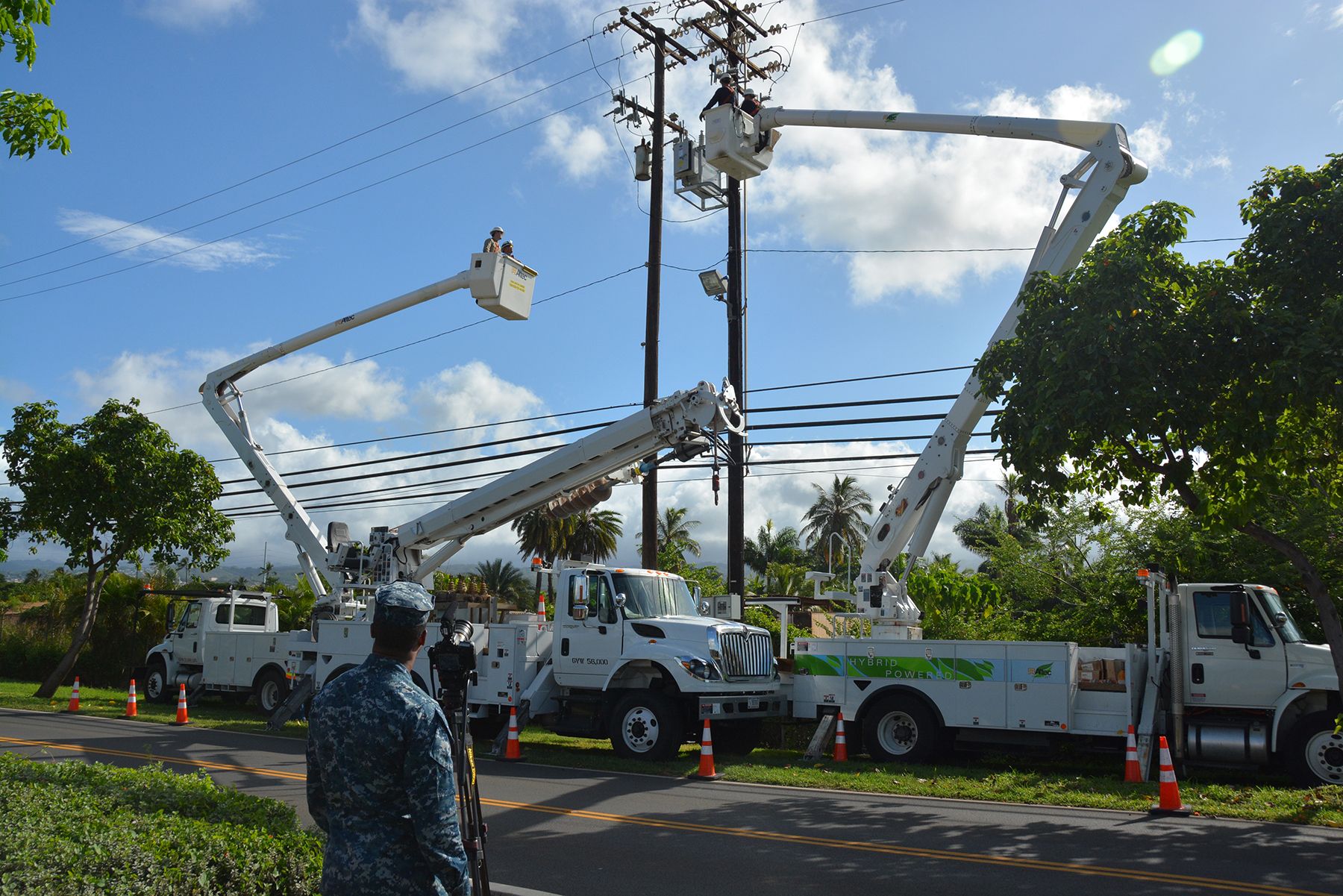
Built on open source geospatial technology
- PostgreSQL + PostGIS
One spatial source of truth
Work items, assets and the road network live in one spatial database. Spatial indexes make questions like "what is open, urgent and near here" interactive.
- Vector tiles
A live map that stays light
The map is served as vector tiles generated from PostGIS. Thousands of points draw smoothly, styling by status and priority happens in the browser, and changes reach the map shortly after they happen.
- MapLibre GL JS
The dispatcher's map
A fast WebGL map with clustering in the overview, detail at street level, filters by status, type, crew and date, and selection tools for asking questions about an area.
- pgRouting
Routing on the real network
Travel routes and times are computed on the road network inside the database, next to the data. Travel-time matrices between crews and work locations feed the optimisation.
- Optimisation
Assign and sequence the work
From the open work, the crews and the travel times, the module proposes assignments and the order of visits, shown on the same map, and recomputes when the day's work changes.
- Geocoder
Address search and matching
The geocoding module normalises address text, matches it against reference address data and returns ranked candidates with a confidence score. It serves search as you type and batch matching of work items.
- ETL
Registry synchronisation
Asset data is taken over from the registry database and synchronised to the system regularly: relations and states are translated, changes carried over, and exceptions reported.
From work item to route
- A work item arrives from the work management system, tied to an asset in the synchronised registry. If only an address is known, the geocoder finds the place.
- It appears on the map as part of the live picture, clustered when zoomed out and detailed up close.
- A dispatcher filters and queries by area, status, priority, skill or time.
- Routing computes real travel times between the crews and the work.
- Optimisation proposes who does what, and in which order, and the routes are drawn on the map.
- When the day changes, the plan is recomputed.
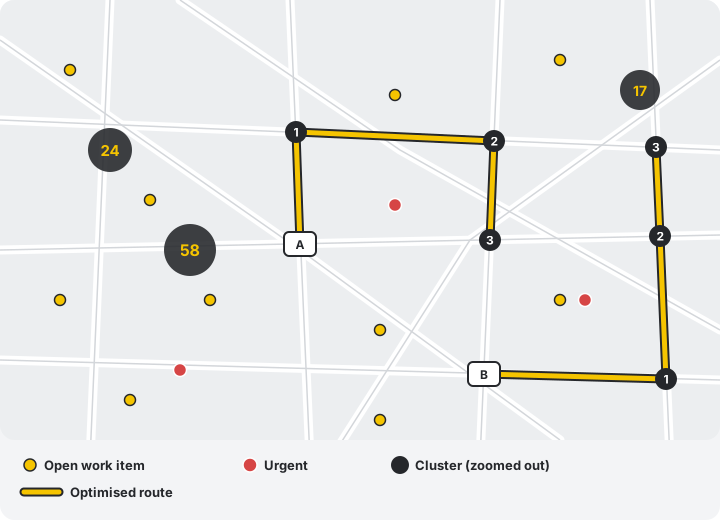
How we keep it fast and dependable
Heavy work stays in the database
Spatial filtering, routing and aggregation run next to the data, so only results travel to the browser.
Draw only what is needed
Vector tiles and zoom-dependent detail mean the browser never has to load every work item at once.
One module for two networks
Electricity and gas share the engine, with utility-specific styling, rules and priorities on top.
Built for the working day
Dispatchers depend on the map all day. We apply the practices from our high availability work: replicated data, monitoring and tested recovery.
One live picture of the work
- One shared view: dispatchers, planners and crews work from the same live map of the work
- Fast answers: spatial questions that used to need exports and spreadsheets are answered on the map
- Planning on real travel: routes and plans based on travel time on the road network instead of straight-line guesses
- Less manual planning: planners spend their time on decisions, not on building routes by hand
- Independence: an open source foundation with no per-user or per-core licence fees, and full control of code and data
- Findable places: addresses are matched with a confidence score, so doubtful matches are flagged instead of silently placed wrongly
- A current picture: asset data is synchronised regularly from the registry, which stays the source of truth
The same challenges, in every field workforce
Water and district heating networks, telecom operators, street lighting, road maintenance and municipal services all plan work that is tied to places. The building blocks are the same: a spatial database, vector tiles, routing and optimisation, and a map people can rely on. See our work for infrastructure and government and the municipal web GIS case study.
Planning a map-based work management system?
Tell us about your workforce and your network. The first consultation is free.